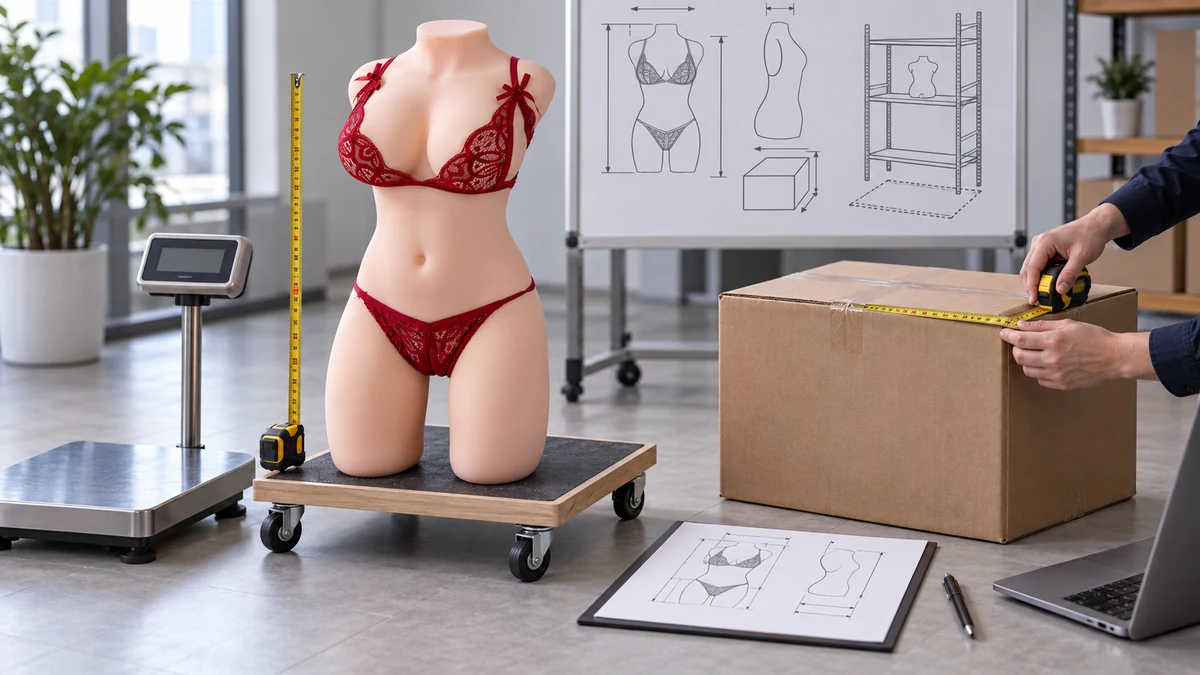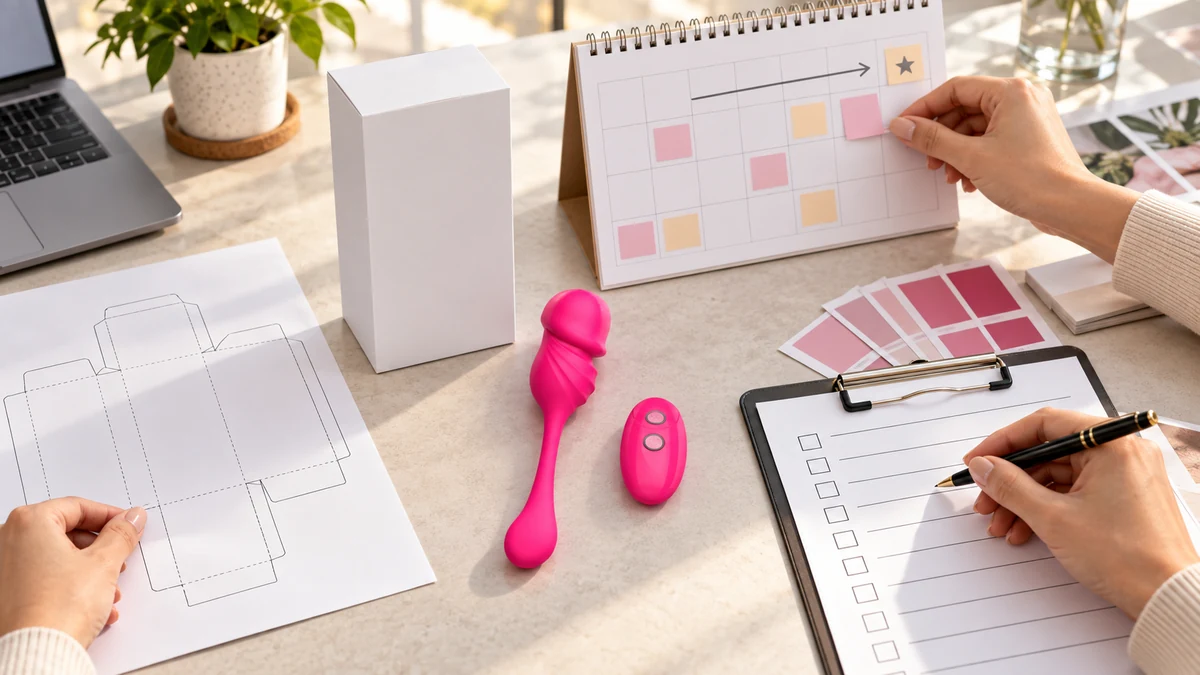
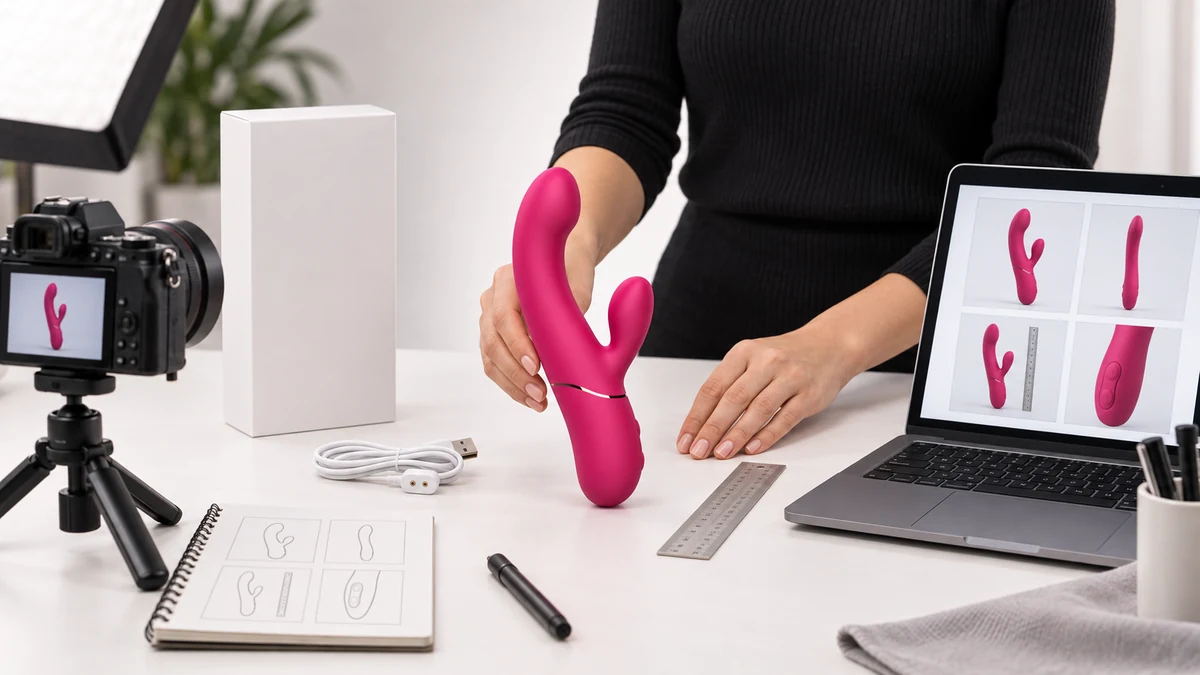
An ecommerce product image should remove a buying question. A beautiful hero image can attract attention, but it cannot explain size, controls, charging, included items, packaging and variant differences by itself. For sex toys, those unanswered questions are especially important because shoppers often cannot inspect the product in person and may be comparing unfamiliar forms and functions.
Before producing more lifestyle images, build a product image set in which every frame has a clear job. Images should also connect to the same verified specifications used in the product data package for ecommerce.
The first image identifies the exact product
The main image should let a shopper recognize the product in one glance. Use a clean background, show the complete silhouette and avoid props that make the product look larger or smaller than it is.
This image is also commonly reused on collection pages, search results and shopping cards, so the product should remain clear when the frame is displayed at a smaller size. Shopify’s documentation notes that the first product media item becomes the main media across parts of the store. That makes the order of the image set a commercial decision, not only a design choice.
The first image should answer:
- What product is this?
- What is its basic shape?
- Which exact color or variant is being shown?
It does not need to explain every function.
The second and third images explain form and angle
Curves, branches, control locations and bases can disappear in a single front view. Add side, back or angled views that reveal the physical structure.
For an adult wellness product, the useful angle depends on the design. A rabbit vibrator needs an angle that separates its branches. A wearable product needs a view that explains its body and controller relationship. A male product may need a view of the opening, controls and external shape without suggesting a use result that the image cannot prove.
Do not create nearly identical rotations simply to increase the image count. Each angle should reveal information that the previous one did not.
Show scale in a way the shopper can trust
Dimensions written in the specification table are necessary, but many shoppers still need a visual reference. Baymard’s ecommerce UX research found that users often try to judge product size from images and recommends showing products in scale. Their in scale product image research is a useful general reference.
For sex toys, a trustworthy scale image can include:
- A ruler placed beside the product.
- A hand holding the product in a neutral product demonstration.
- The product beside its actual charging cable or packaging.
- A simple dimension graphic based on verified measurements.
The reference object must not create a false impression. If several products appear in one image, preserve their real relative sizes. A 30 cm wand should not appear the same size as a 12 cm wearable product.
Explain controls and functions visually
If a shopper cannot find the power button, intensity control, display or charging point, the product may feel more complicated than it is. Use close views or simple callouts to show the physical interface.
Only display verified functions. If the product has several vibration or suction modes, the exact number should come from the confirmed specification for that SKU. Do not copy a feature icon from a similar model. Products with similar shapes can still have different motors, controls, charging systems and mode counts.
When the control system needs several steps, a short video or a sequence of clear images may be more useful than one crowded infographic.
Show exactly what arrives with the product
An included items image should separate the product, charging cable, controller, storage item, instructions and packaging that are actually supplied. It helps the shopper understand value and reduces questions after purchase.
For a wholesale buyer, this image also supports listing preparation because the retailer can see which accessories require names, photos and customer instructions.
Do not add decorative accessories that are not included. If packaging is still being customized, label the packaging image as a concept during internal review and replace it with the approved version before public sale.
Packaging images answer a different question
Packaging can matter for privacy, retail display, shipping protection and brand presentation. The product image set should show the actual packaging when it affects the buying decision.
A useful packaging image may show:
- The closed retail box.
- The internal tray and product placement.
- The relationship between the box and the product size.
- Required labels or information only after the final artwork is approved.
Plain sample packaging and final printed packaging are not the same thing. Buyers should be able to tell which version they are seeing.
Separate variants so the order is unambiguous
If one product page contains several colors, sizes or control versions, each image must be mapped to the correct variant. A pink product image beside a selected black variant can create the wrong expectation. The same problem appears in B2B catalogs when the image, model number and specification come from different rows. A clear media key should remain part of the product variant testing record so sales data is not attached to the wrong visual.
Use a simple asset key for every file:
- Model or SKU.
- Variant.
- Image job, such as hero, side, scale, controls, included items or packaging.
- Version or approval date when needed.
This mapping makes it easier to update the page without reusing the wrong product image later.
Build the minimum sellable image set first
The exact number of images depends on product complexity. Instead of aiming for a fixed count, check whether the set answers these six questions:
- Can I identify the exact product?
- Can I understand its complete shape?
- Can I judge its size?
- Can I locate and understand the controls?
- Can I see what is included?
- Can I distinguish the selected variant and packaging?
If one image answers two questions clearly, it can do two jobs. If a complex product needs more views, add them. Do not add repeated decorative images while a basic buying question is still unanswered.
Product image SEO supports understanding
Image SEO is not a list of keywords pasted into every field. Google Search Central recommends descriptive filenames, useful alt text and relevant surrounding text in its image SEO guidance.
Use these rules:
- Filename: identify the product and image job, such as
model-name-side-controls.jpg. - Alt text: describe what is visible and why it matters on this page.
- Caption: add one only when the reader needs context that is not obvious from the image.
- Nearby text: explain the product fact shown by the image.
An alt description such as "Magenta dual stimulation vibrator shown beside a ruler for size reference" is useful. Repeating "sex toy wholesale supplier" across every image is not.
Use concept scenes without replacing product evidence
Lifestyle and business scenes can make an article or product page easier to understand. They can show a buyer comparing samples, a content team planning images or a retailer preparing a display. These scenes should remain visually connected to the real product.
AI generated concept imagery is not evidence of a real factory, order, inventory, customer, certification or sales result. It also should not replace accurate product views. A strong page can use a concept hero image for context, then use verified product photography for the decisions that depend on physical details.
How AIYUEWEI Can Help
AIYUEWEI can help ecommerce sellers and brands organize product media around the questions a shopper needs answered. For selected SKUs, we can map available images to the correct model and variant, identify missing views, and match verified product specifications to captions, alt text and surrounding content.
When concept imagery is useful for an article or campaign, we can plan it around the actual product form and dimensions and keep it separate from evidence photography. Product specifications, accessories, packaging and available media are confirmed for the selected model before the listing package is finalized.
Frequently Asked Questions
How many images should a sex toy product page have?
Use enough images to answer the six core questions about identity, shape, scale, controls, included items and variants. A simple product may need fewer images than a remote controlled or multi function product. Completeness matters more than a fixed count.
Should alt text include the main keyword every time?
No. Describe the visible image naturally and include a relevant product term when it helps identify the subject. Repeating the same keyword phrase on every image reduces clarity and can look like keyword stuffing.
Can AI generated images be used on an ecommerce product page?
They can support context or campaign storytelling if they are accurate and not presented as evidence. Keep verified product photos for shape, color, controls, included items and packaging. Do not let a concept image promise a feature or result the product data cannot support.
When should packaging be shown?
Show it when privacy, retail display, included items, shipping protection or brand presentation affects the purchase. Use the final approved packaging for public listings, or clearly separate a concept from the approved production version.
The next step
Review the current AIYUEWEI product categories to identify the SKUs you plan to list, then send us the media files you already have. We can return a product image gap checklist showing which buyer questions are covered, which views are missing and which specifications should be matched to each image before upload.